
FlixCast
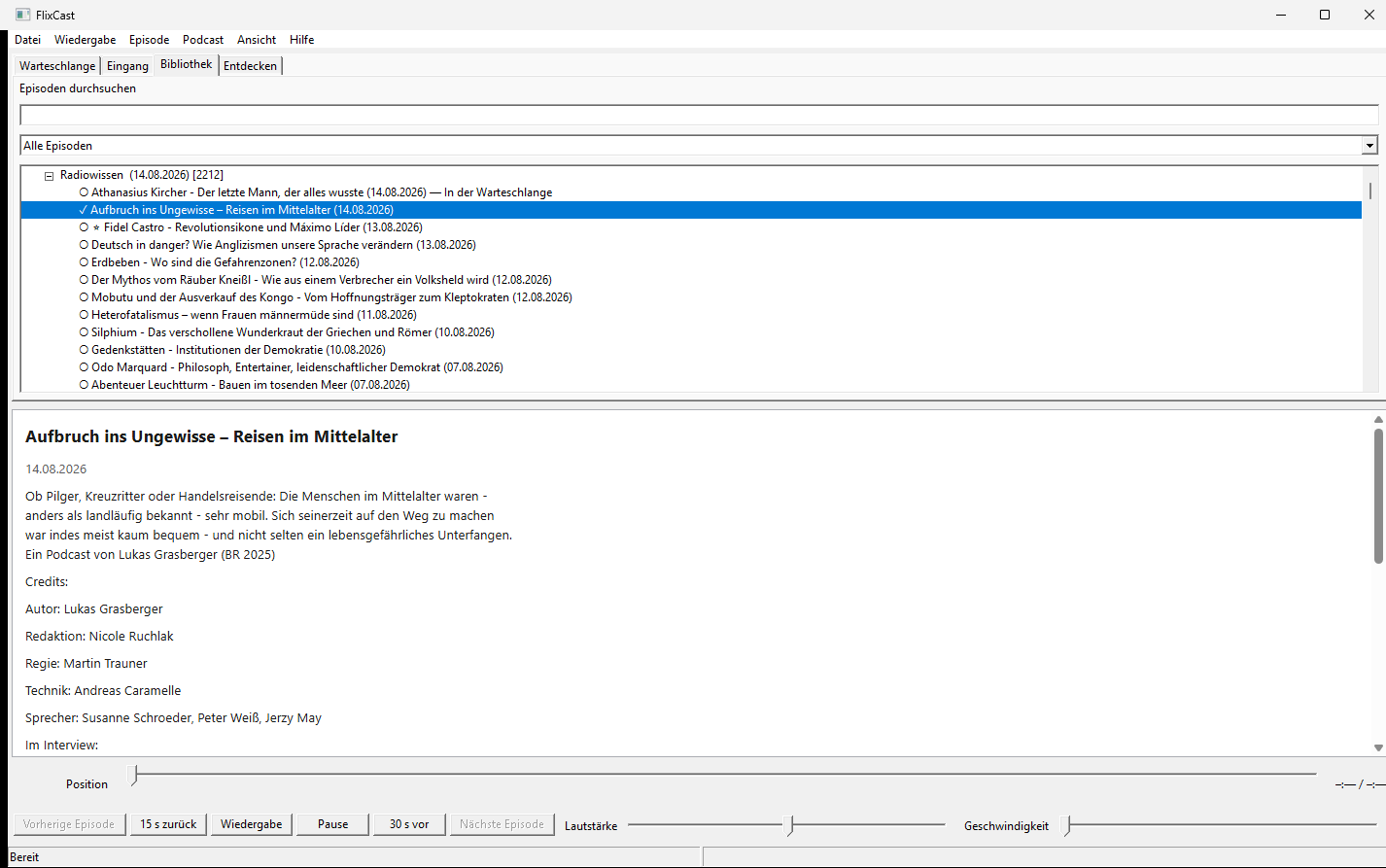
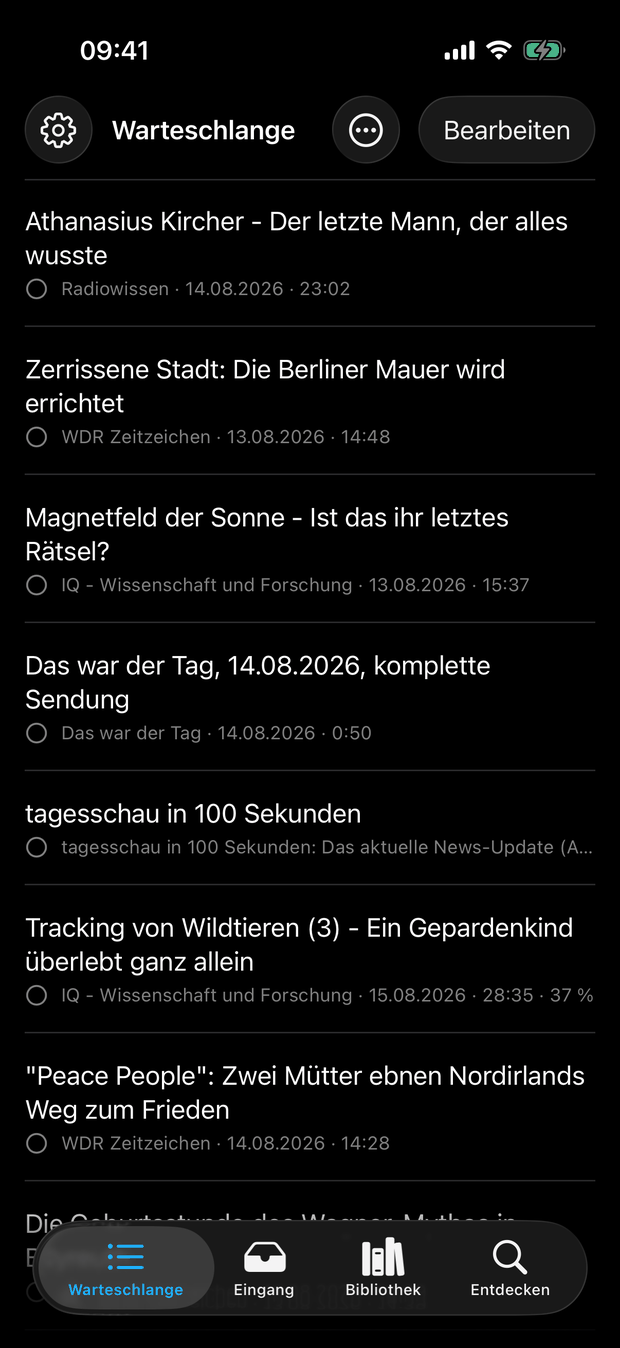
FlixCast is a podcast player for Windows and iPhone, with a particular focus on good keyboard and screen-reader accessibility. Its Apple Watch companion puts playback and the queue on your wrist while the iPhone handles playback itself.
What FlixCast can do
- Accessible controls: The Windows app is designed throughout for keyboard and screen-reader use and tested with NVDA; the iPhone and Apple Watch apps are tested with VoiceOver.
- Organize podcasts: Subscriptions, an inbox, and a freely ordered queue keep new episodes separate from those you have chosen to play.
- Listen your way: Playback speed, intro and outro skipping, chapters, transcripts, and a sleep timer are built into the player.
- Listen offline: Episodes can be downloaded, with per-podcast rules for automatically retaining or removing them.
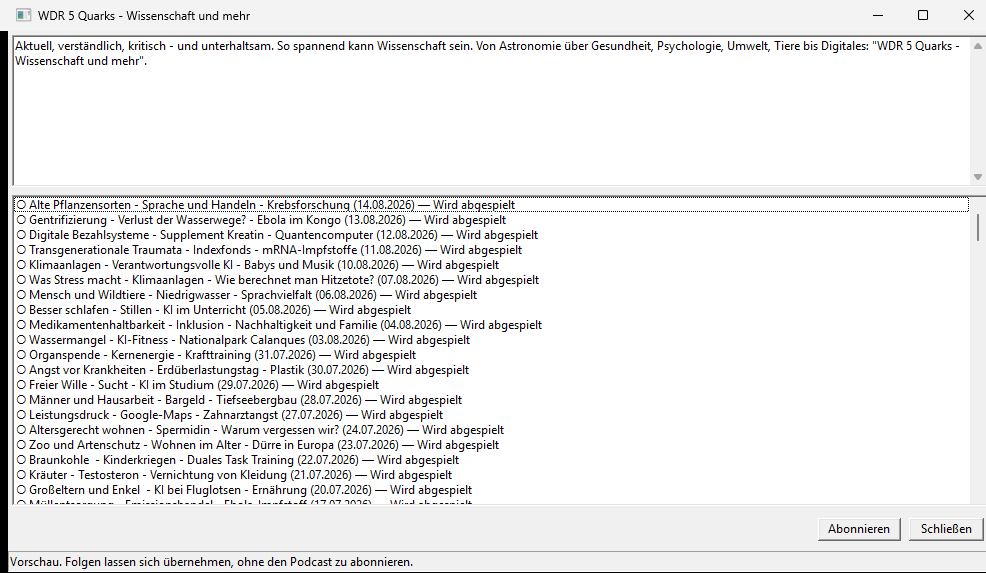
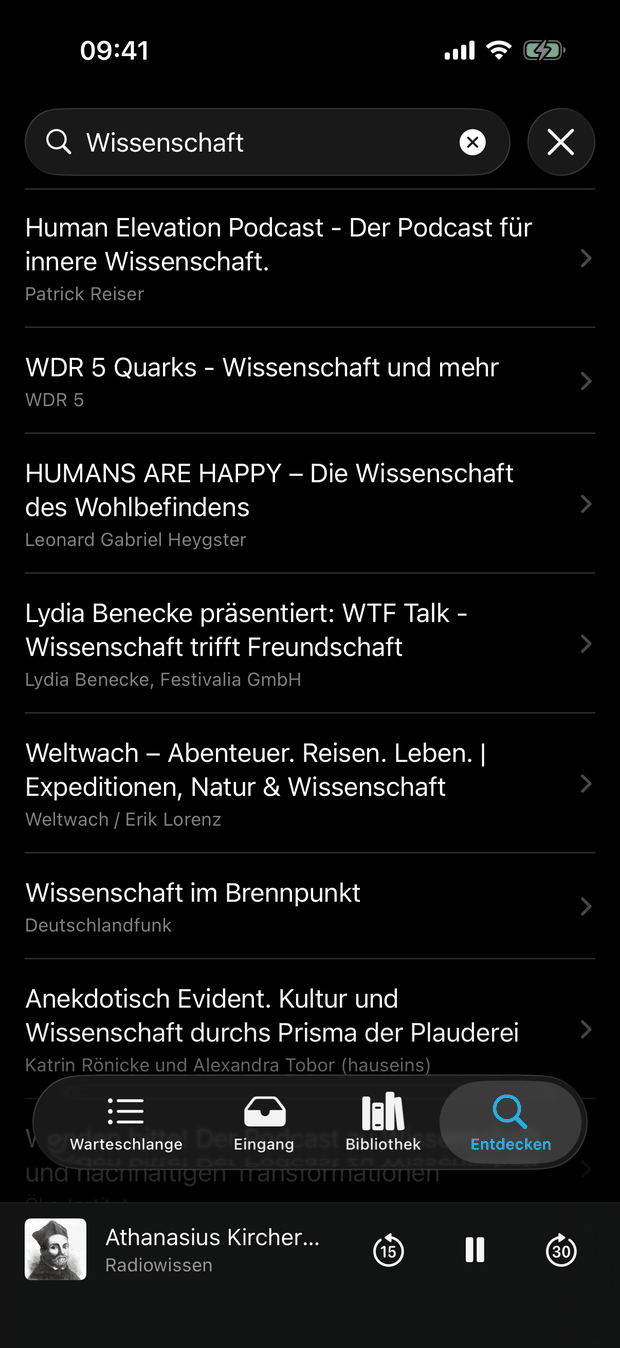
- Find new podcasts: Search, trending shows, categories, and similar podcasts work without an account. OPML import and export let you take your subscriptions with you.
- Sync when you choose: Subscriptions, listening progress, the queue, and podcast settings can be synchronized between Windows and iPhone.
- Control it from your wrist: The Apple Watch companion controls playback and provides access to the queue while the iPhone is reachable.
A look inside the app
Download
The Windows version is available as an installer and as a portable build, for Windows 10 and 11 (64-bit).
The iPhone version is currently in public beta and can be installed through Apple’s TestFlight app.
Learn more about the FlixCast app
Synchronization
You can optionally link a FlixCast account to sync subscriptions, listening
progress, your queue, and podcast settings between your devices. The sync
service at sync.flixcast.app provides FlixCast’s account, sign-in, and
synchronization functions.
- Privacy Policy – what data is processed, why it is needed, and how long it is stored
- Legal Notice
- Deutsche Version